Garage Door Keypad & Remote Programming Alvin, TX
Add a new remote, reset a keypad, erase old codes, and secure your garage againYou press the button—nothing.
You enter the code—beep, beep, then silence.
Or the keypad works sometimes and fails when you’re in a hurry.
If you’re in Alvin (77511 / 77512) near Highway 6, Hwy 35, or around National Oak Park, we can usually fix programming issues fast—often in the same visit as opener service.
When You Should Program or Reset Your Garage Door Keypad/Remote
Most people wait until it becomes a security risk. Don’t.
Program or reset if:
- You moved into a new home (you don’t know who still has a code)
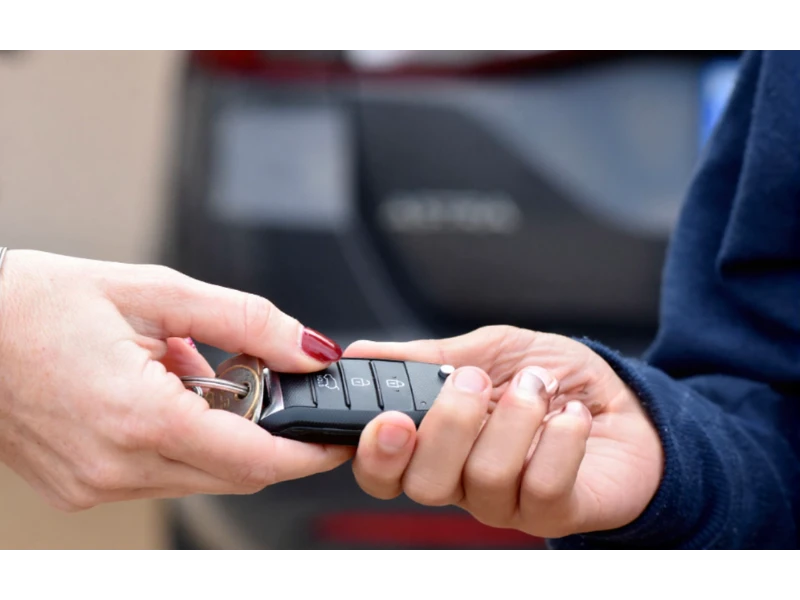
- A remote was lost or stolen
- Your keypad code was shared with contractors and never changed
- A tenant moved out (rental property)
- You replaced the opener, wall control, keypad, or remote
- Power outage happened and settings got weird
- Remote only works from very close range
- Keypad works randomly or stops mid-entry
Quick local example: If you’re hosting guests for a weekend in Alvin—especially around busy community days near downtown—temporary keypad access is easier than handing out spare keys. Change the code after. It takes minutes.
New remote won’t pair
- wrong remote model
- opener memory full
- learn button timing not matched
You want to erase old remotes/codes
This is one of the smartest “small” security upgrades you can do—especially after moving.
The Most Common Problems We Fix
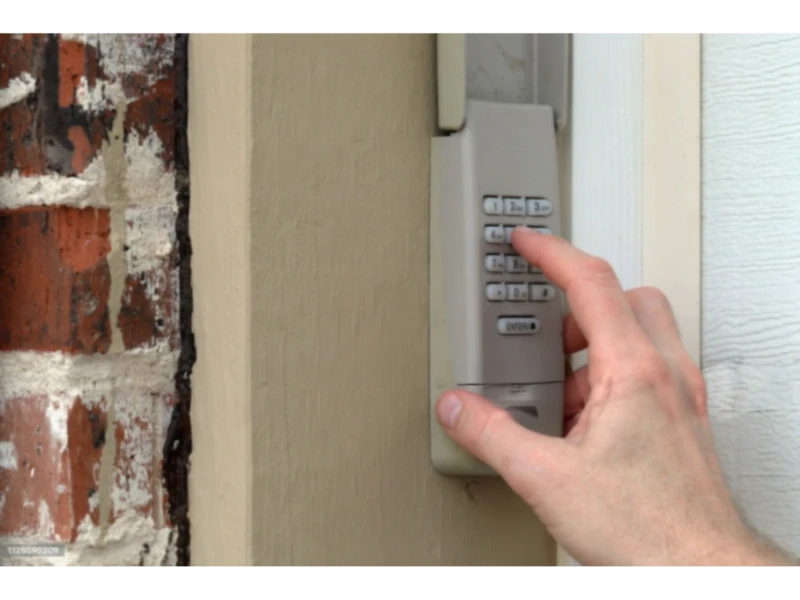
Keypad won’t open the door
- dead battery
- worn keypad buttons
- code not saved correctly
- lock/vacation mode enabled
- The door moves unevenly or looks crooked
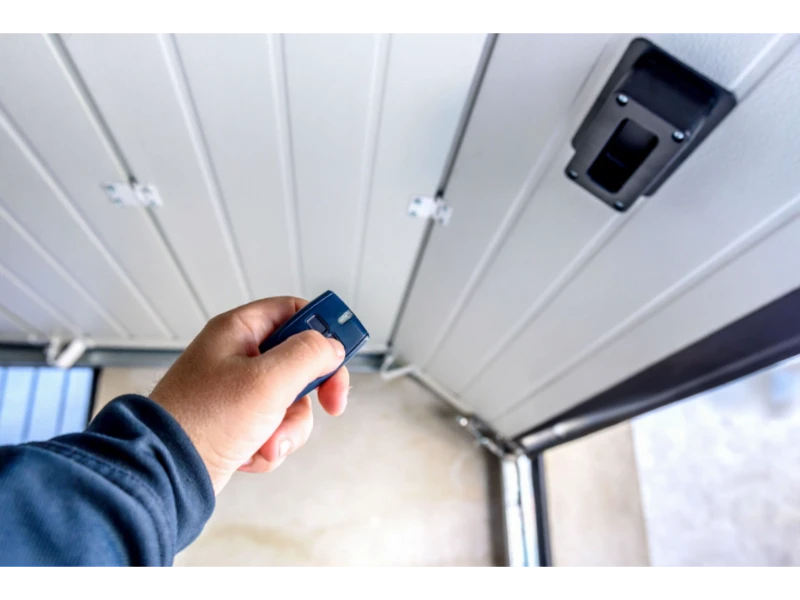
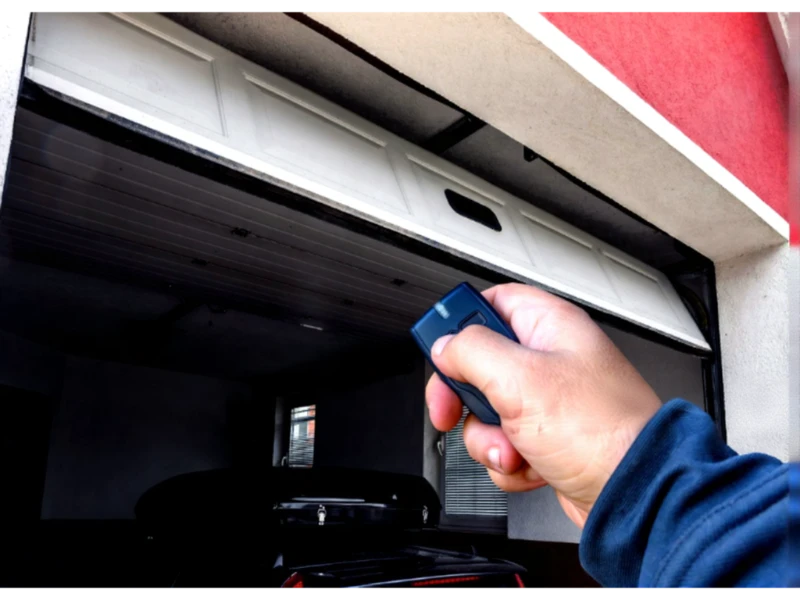
Remote works sometimes
- weak battery
- interference
- antenna/receiver issue
- worn remote button contacts
Why This Matters (It’s Not Just Convenience)
A garage door opener gives access to your home.
If old remotes or old keypad codes still work, your garage becomes the easiest entry point.
Simple security upgrades we can do
- Erase all old remotes and reprogram only the ones you own
- Set a new keypad PIN
- Set up multiple user codes (if your keypad supports it)
- Add a temporary code for deliveries or guests (then remove it)
If you’re not sure what you have, take a quick photo of:
- the opener motor head (brand/model label)
- the keypad (front)
- the remote (front/back)
Send it when you call or text. It speeds everything up.
What We Can Program (Residential & Commercial)
Residential
- Keypads (wired and wireless)
- Remotes (single-button, multi-button)
- Wall controls (when applicable)
- Vehicle built-in buttons (HomeLink / Car2U style setups—when compatible)
Light commercial / small business
- Keypads and remotes for overhead doors
- Basic access control setups (depending on operator)
Our Garage Door Keypad & Remote Programming Alvin Process (Fast and Clean)
Step 1: Identify your opener brand and compatibility
Not every remote works with every opener.
We match the right device to the right system.
Step 2: Check power, sensors, and basic operation
If the door itself has a problem (spring, off-track, cable issue), programming won’t fix it.
Related pages:
Step 4: Program keypad and remotes
We set:
- a strong PIN code
- your preferred remote buttons
- multi-car pairing if needed
Step 6: Teach you how to manage access
We’ll show you:
- how to change your PIN
- how to add a new remote later
- what to do if you lose a remote again
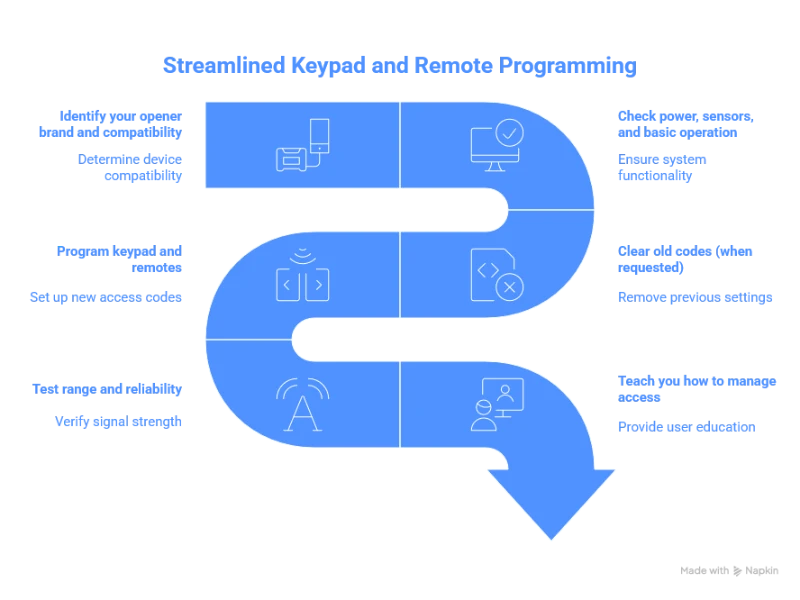
Step 3: Clear old codes (when requested)
This is the big security step:
- remove old remotes from memory
- confirm they no longer work
- then add your devices back
Step 5: Test range and reliability
We test:
- remote distance (within normal range)
- keypad response
- door behavior on open/close
Replace keypad batteries before they fully die
Weak batteries cause “sometimes it works” problems.
Keypad Setup Tips (So It Works Every Time)
Choose a code you’ll remember but others won’t guess
Avoid:
- 1234, 1111, 0000
- house number
- birth year
Use something random that still sticks in your head.
Keep the keypad clean and protected
Dust and moisture wear out buttons faster—especially with weather swings.
What Affects Cost?
Programming cost depends on what you’re trying to accomplish.
Main cost factors
- number of devices (how many remotes/keypads)
- whether you want a full memory reset (security reset)
- keypad condition (program vs replace)
- compatibility issues (wrong remote type)
- travel/time if combined with other repairs
Best value tip: If you already need opener repair or a tune-up, programming can often be done in the same visit.
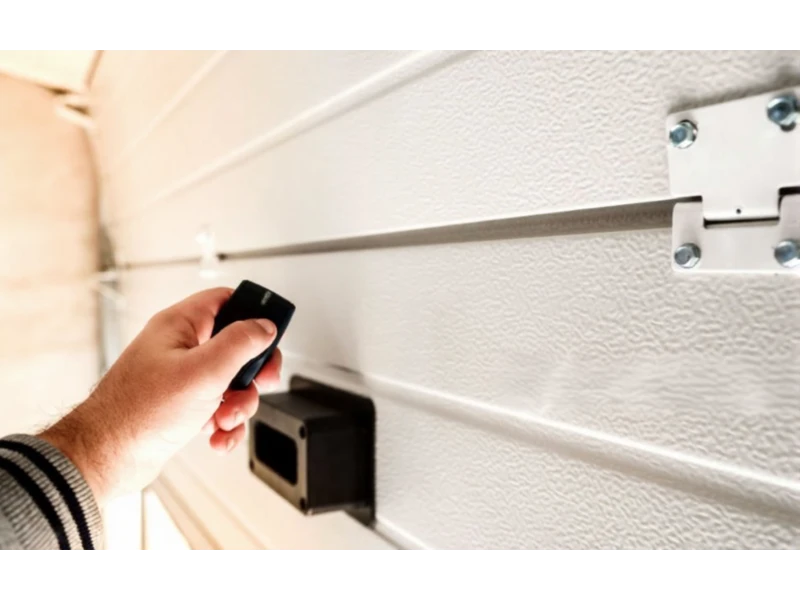
What we do
- test with fresh batteries
- check antenna placement
- isolate interference
- confirm opener receiver response
- replace the remote or recommend the best fix
We focus on reliability—not a temporary workaround.
Remote Range Problems (Why You Have to Be Right Next to the Garage)
This is a common Alvin call.
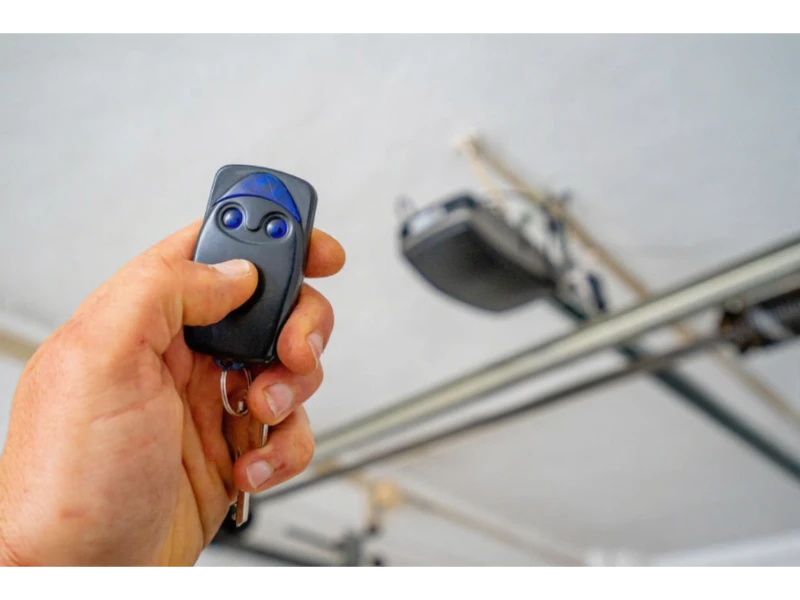
Most common causes
- remote battery weak
- antenna wire on opener is tucked up or damaged
- interference (LED lights in the garage can cause this in some setups)
- receiver issue in the opener
- remote itself is worn out
Landlords & Property Managers: Secure Turnovers the Right Way
If you manage rentals in Alvin or nearby towns, keypad and remote control is your security line.
Best practice at each turnover
- erase all remotes
- reset keypad code
- document the new access method
- provide tenants a simple “how to” note
- keep one remote in your office lockbox (optional)
If you want, we can set up a consistent process for every property.
How Long Does Programming Take?
Most keypad/remote programming jobs are fast.
Typical time range
- Simple remote programming: 10–20 minutes
- Keypad programming: 15–30 minutes
- Full reset + multiple remotes + keypad: 30–60 minutes
If we find an opener or door issue during testing, we’ll explain it and give options.
Alvin Notes (Local Reality)
Weekends can fill quickly, especially when downtown activity increases near National Oak Park or seasonal traffic builds around Highway 6 near Froberg’s.
If you want a security reset before hosting guests or before a holiday weekend, book early. It’s a small job that saves big stress.
Related Services
Keypad and remote issues often connect with these pages: